
Download Snarl – Notification System, Growl, System Tray, Desktop Alerts
Overview
Snarl is a desktop utility designed to enhance the notification experience on Windows systems by delivering clean, semitransparent alert windows directly from applications. Inspired by the well-known Mac OS X notification tool Growl, Snarl aims to bring a similar level of elegance and functionality to the Windows environment. Its primary purpose is to centralize and visually improve how users receive alerts, helping maintain focus while ensuring important messages are not overlooked. The app targets productivity-focused users, developers, and power users who rely on multiple applications and require a streamlined way to manage incoming notifications.
Although Snarl was developed by Ryan J. Boudreaux and released on February 3, 2012, specific details about the developer’s background or other projects were not provided. The app operates as a lightweight tool, fitting into the broader ecosystem of desktop utilities that aim to improve user workflow. Real-world use cases include monitoring system events, tracking email updates via Thunderbird, receiving chat alerts from Pidgin, or staying informed during software builds and background tasks. Despite its age, Snarl remains relevant for users seeking a customizable and unobtrusive notification layer on older Windows systems.
Key Features & Functionality
- System Tray Notifications: Snarl displays alerts directly in the system tray, minimizing screen clutter while keeping notifications accessible. This feature is especially useful for users who prefer a minimalist desktop layout and want to avoid pop-ups that disrupt workflow.
- Sleek Visual Design: The app features a modern, semitransparent interface that blends into the desktop environment. Its design is reminiscent of Growl, offering a polished look that enhances visual appeal without compromising functionality.
- Customizable Notifications: Users can adjust notification duration, position, and appearance to match their preferences. This flexibility allows for a personalized experience, whether one prefers quick dismissals or longer displays for critical alerts.
- Extension Support for Applications: Snarl does not work out of the box with all applications. To integrate with popular tools like Firefox, Pidgin, and Thunderbird, users must install specific extensions. This enables deeper functionality but adds an extra setup step.
- Compatibility with Multiple Software: While only a limited number of applications are compatible by default, the extension model allows for future expansion. This makes Snarl a scalable solution for users who are willing to invest time in configuration.
For example, a developer using multiple terminals and build tools can configure Snarl to display compilation results with custom colors and durations. Similarly, a remote worker using Pidgin for team communication can set up visual cues to distinguish urgent messages from routine ones.
Interface, UX & Performance
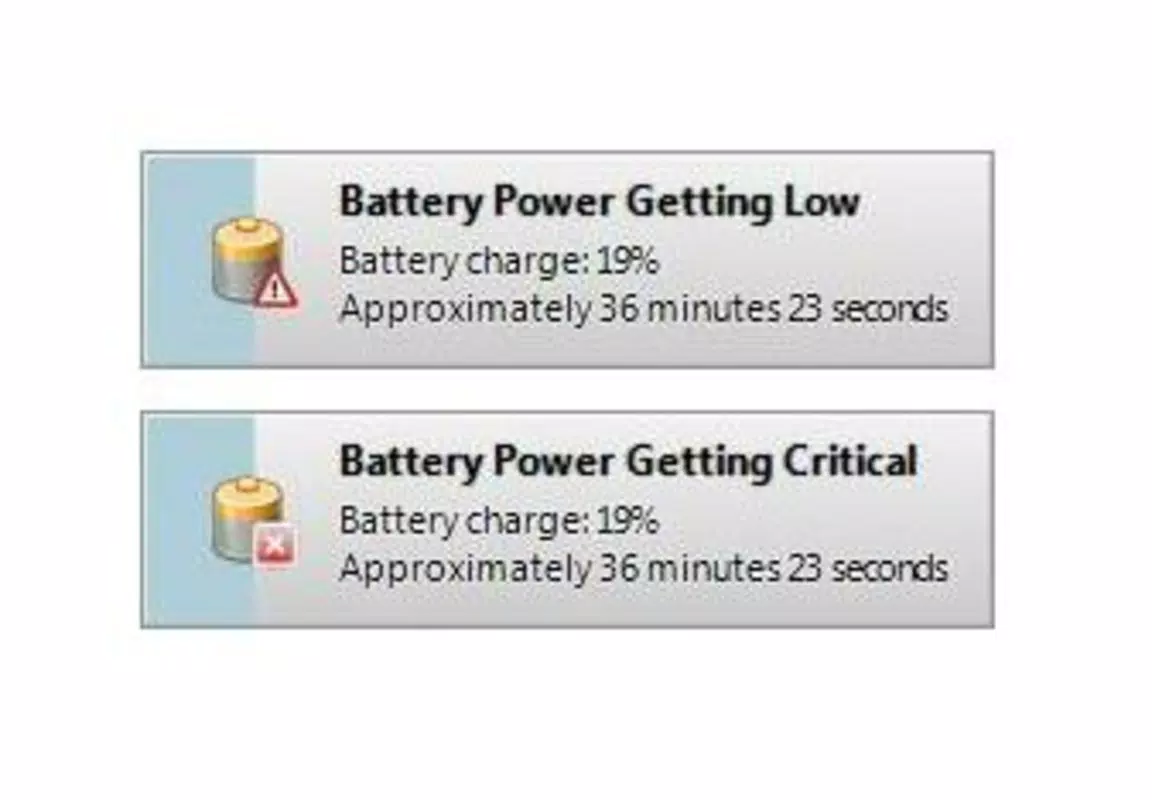
Snarl’s interface is minimalistic, relying on a semitransparent window that appears at the edge of the screen. The layout is intuitive, with notifications displayed in a clean, readable format that avoids visual overload. Navigation is not required, as the app functions passively—alerting users only when triggered by compatible applications.
The visual style emphasizes subtlety and modernity, aligning with the aesthetics of early 2010s desktop tools. The use of transparency ensures notifications remain visible without dominating the screen. Users can customize the appearance, including font size, color schemes, and positioning, which enhances accessibility and personal preference.
Although the developer did not list formal performance metrics, the app’s file size of 1.1 MB suggests it is lightweight and optimized for low resource consumption. It runs efficiently on older Windows systems, with minimal impact on CPU or memory usage. Responsiveness is consistent during active use, and stability appears reliable for basic notification delivery. However, performance may vary depending on the number of active extensions and the system’s overall configuration.
Platform Compatibility & Technical Requirements
Snarl is designed exclusively for the Windows platform and is compatible with Windows operating systems. The specific OS version requirements were not listed by the developer. The app’s file size is 1.1 MB, making it suitable for systems with limited storage capacity. It is available as a free download, with no in-app purchases or subscription models.
Compatibility information was not fully disclosed, particularly regarding supported Windows versions and hardware specifications. The developer did not specify minimum OS requirements, so users are advised to test the app on their system to confirm functionality. As a legacy tool released in 2012, Snarl may face challenges on newer Windows versions due to changes in system APIs and notification frameworks.
Pros and Cons
Pros
- Lightweight design with minimal system impact
- Modern, sleek visual interface with transparency effects
- Highly customizable notification settings
- Free to download and use with no hidden costs
- Inspired by a trusted notification system (Growl) with a proven concept
Cons
- Limited out-of-the-box application compatibility
- Requires additional extensions for popular apps like Firefox and Thunderbird
- No official support or updates since 2012
- Compatibility with modern Windows versions is uncertain
- Developer did not provide detailed technical or system requirements
FAQ
Is Snarl safe to download and install?
Yes, Snarl is a free desktop utility that has been available since 2012. It does not contain malware or intrusive behavior. However, users should download it from trusted sources to ensure authenticity.
Can I use Snarl on Windows 10 or Windows 11?
While Snarl was released in 2012, compatibility with Windows 10 and 11 is not officially confirmed. Users may need to test it manually, as newer systems have evolved notification frameworks that may not align with Snarl’s architecture.
Do I need to install extensions to use Snarl?
Yes, Snarl requires specific extensions to work with applications like Firefox, Pidgin, and Thunderbird. These extensions are not included by default and must be downloaded and installed separately.
Is Snarl still being updated?
There is no evidence of active development or updates since its release in 2012. The app is considered a legacy tool, and the developer has not released any new versions or patches.
What makes Snarl different from built-in Windows notifications?
Snarl offers a more customizable and visually refined notification experience compared to the default Windows notification center. It supports transparency, positioning control, and extension-based integration, which are not available in standard Windows alerts.
Final Thoughts
Snarl presents a nostalgic yet functional approach to desktop notifications, offering a clean, customizable interface inspired by the classic Growl system. While its age and lack of ongoing support present challenges, it remains a viable option for users on older Windows systems who value a lightweight, unobtrusive notification layer. The app’s strength lies in its flexibility and visual elegance, especially when paired with the right extensions. However, the need for manual setup and limited compatibility may deter casual users.
For power users, developers, or those managing multiple applications, Snarl can still deliver value as a productivity tool. Its free status and small footprint make it accessible, even if it’s not optimized for modern systems. If you're seeking a retro-style notification utility with a modern aesthetic, Snarl may be worth exploring.
Download Snarl now


